One codebase, four apps. Then we went native.
We shipped iOS, Android, web and desktop from one codebase, then split it. What it cost, what native fixed, and how agents and tests keep the apps in sync.
I work with a team of engineers on a great app with a lot of users: chat, calls and shared documents. It started cross-platform: one Expo codebase for iOS, Android, web and desktop. Shared UI, shared libraries, shared packages. Everything that could be shared, was. (Expo is a framework for building iOS, Android and web apps from one React Native codebase.)
There were no coding agents back then, so one codebase was the only sane way to ship everywhere.
Then we took it apart. Cross-platform gave us a lot. It also took a lot. Here is how we kept what it gave and won back what it took.
What we'll cover
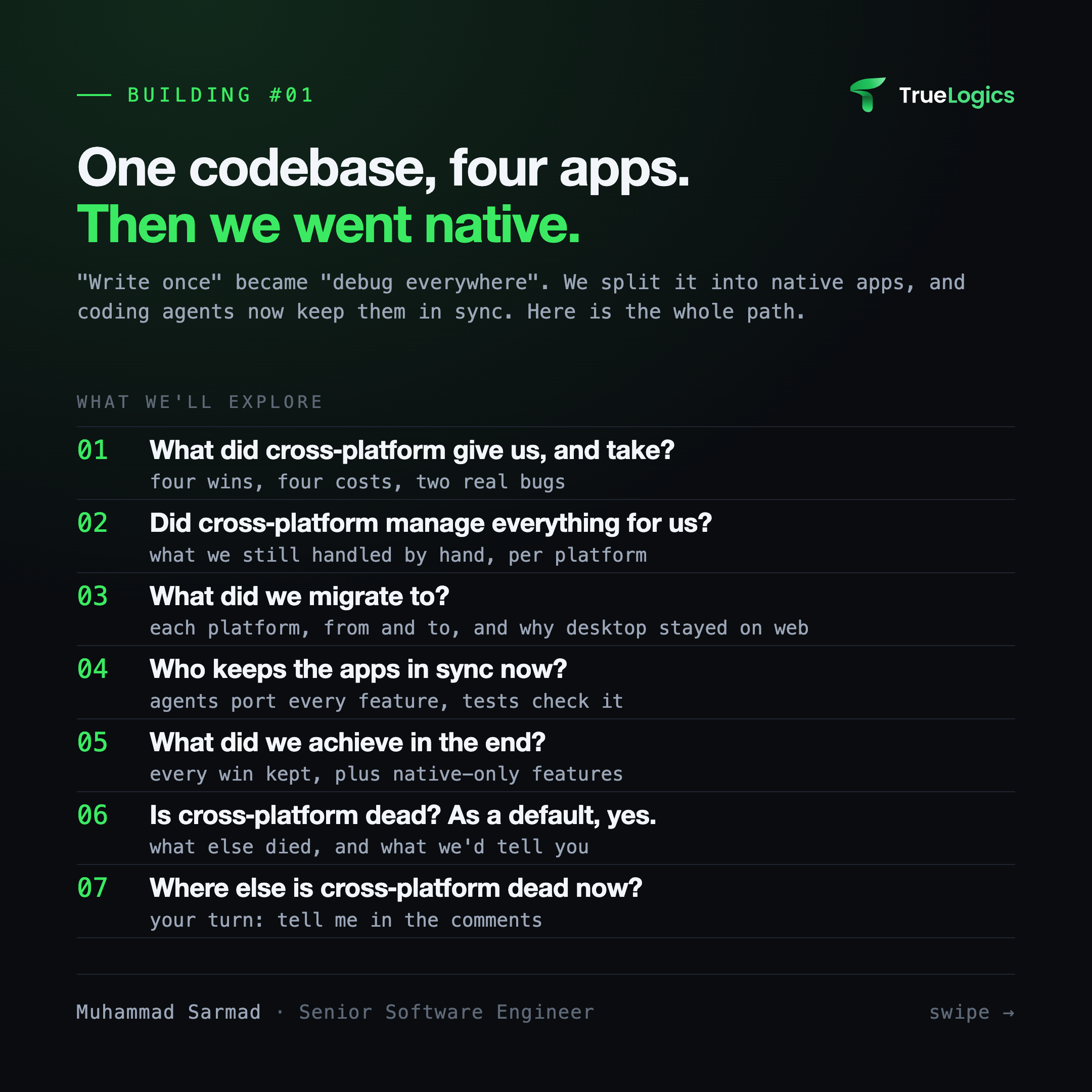
- What did cross-platform give us, and take? Four wins, four costs, two real bugs.
- Did cross-platform manage everything for us? What we still handled by hand, per platform.
- What did we migrate to? Each platform, from and to, and why desktop stayed on web.
- Who keeps the apps in sync now? Agents port every feature, tests check it.
- What did we achieve in the end? Every win kept, plus native-only features.
- Is cross-platform dead? As a default, yes, for us.
- Where else is cross-platform dead now? Your turn.
1. What did cross-platform give us, and take?
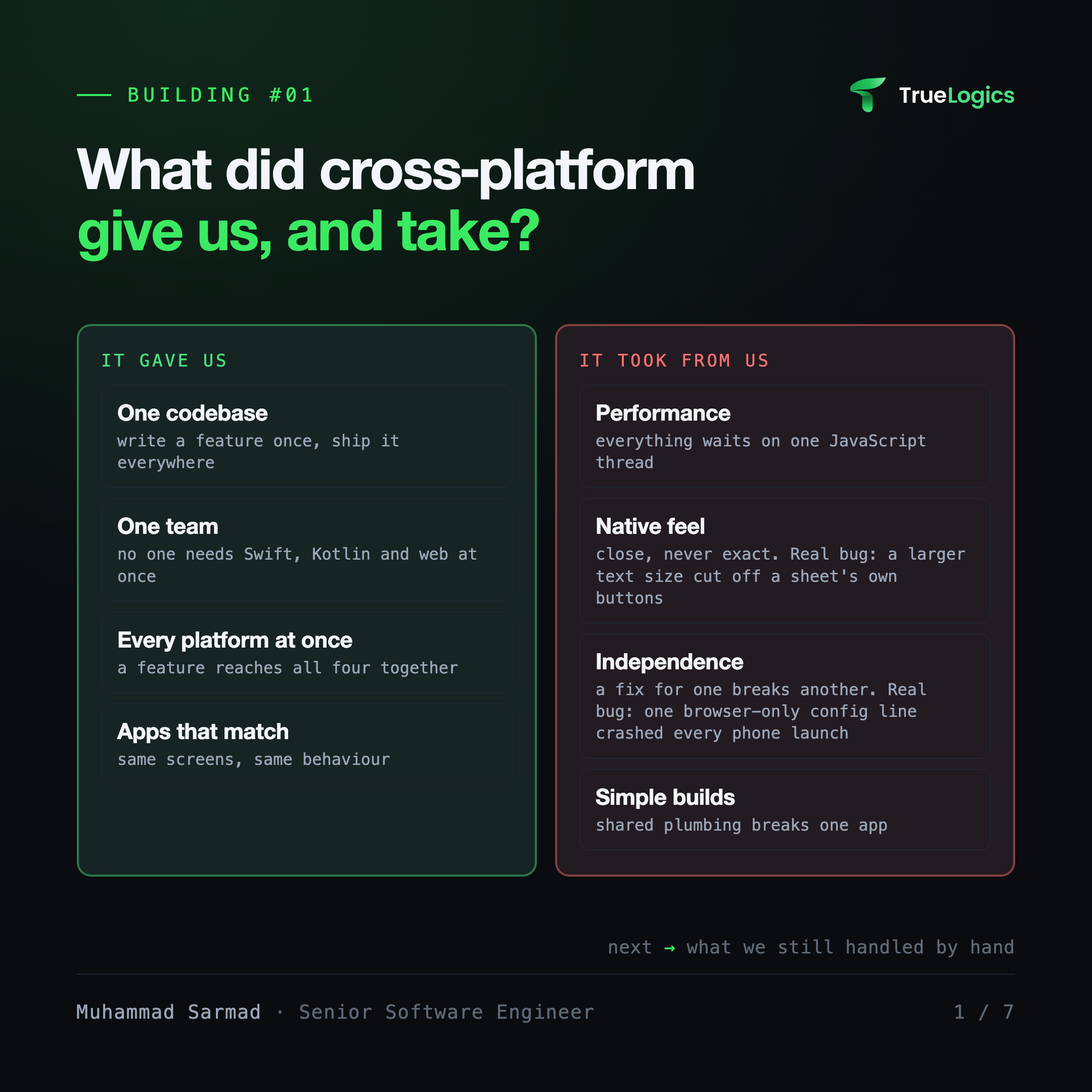
It gave us:
- One codebase: write a feature once, ship it everywhere.
- One team: nobody had to know Swift, Kotlin and web at the same time.
- Every platform at once: a feature reached all four together.
- Apps that matched: same screens, same behaviour everywhere.
It took from us:
- Performance. Heavy screens and real-time updates competed for the same JavaScript thread: the single thread that runs all of the app's JavaScript. When it was busy, the whole app lagged. The fix was often native code anyway, hidden behind a shared wrapper.
- Native feel. The UI was close to each platform, never exactly right. A bottom sheet with a fixed height cut off its own buttons when users set a larger text size in their phone settings. On tablets, a minimized call showed two sets of controls at once: one built for phones, one built for desktop. Safe areas (the parts of the screen the notch and home bar don't cover), keyboards and gestures behaved differently on each platform, so shared components grew a pile of "if this platform" checks.
- Independence. A fix for one platform could break another. A browser-only line in a shared config file crashed every iOS and Android launch before the first screen. The tests passed, because the test environment pretends to be a browser. A layout change on one screen removed the bottom spacing on another, and the message box slid under the phone's home bar. Every change had to be checked on four surfaces.
- Simple builds. Shared packages are wired into each app through path settings. One folder left out of the mobile build upload broke the whole mobile build, while web built fine.
In practice, "write once" became "debug everywhere". For a while the wins were worth it. Then the costs started to win.
2. Did cross-platform manage everything for us?
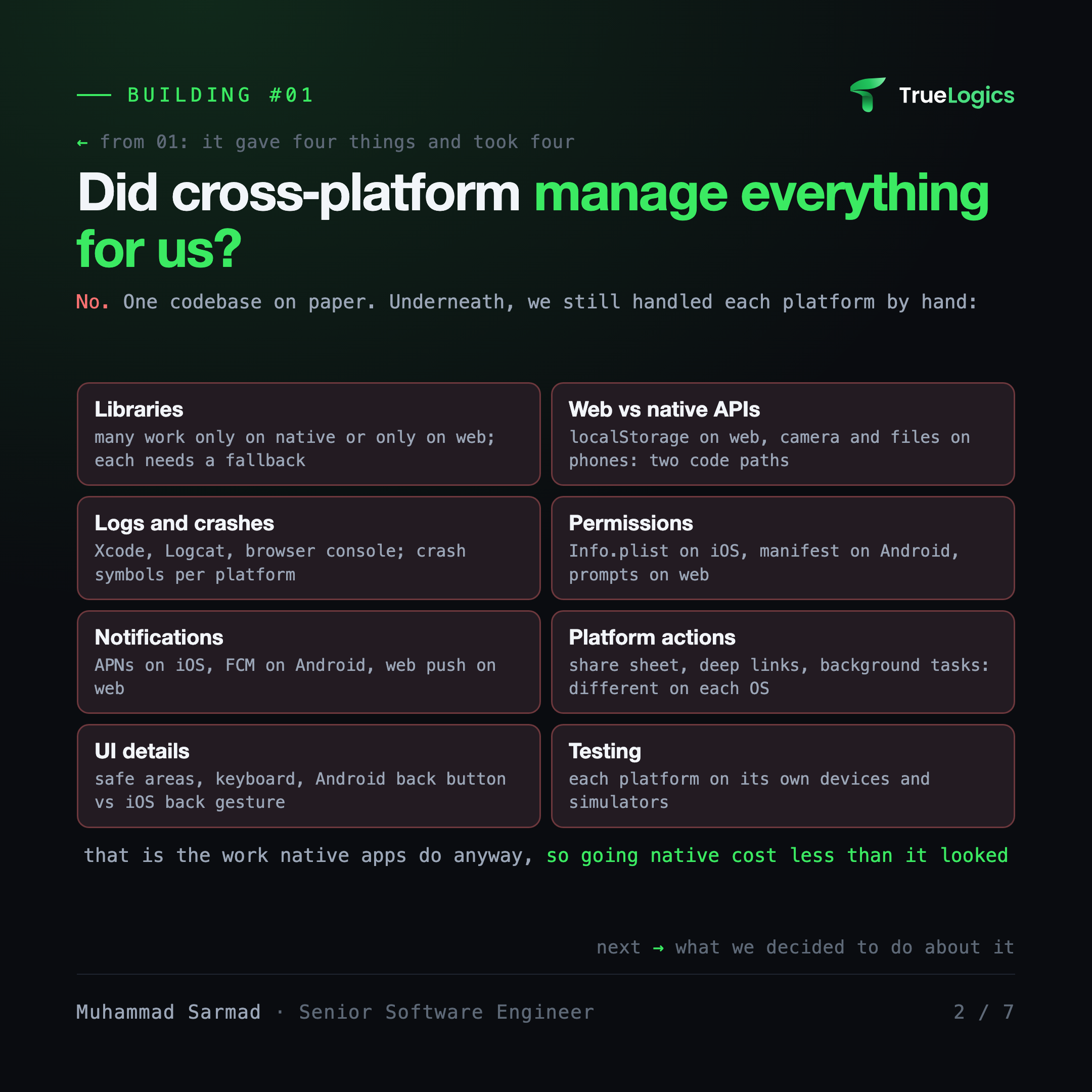
No. It was one codebase on paper. Underneath, we still handled each platform by hand:
- Libraries: many packages work only on native or only on web, so each one needed a fallback.
- Web vs native APIs: web APIs (localStorage, window) and native APIs (camera, file system) need separate code paths.
- Logs and crashes: Xcode for iOS, Logcat for Android, the browser console for web. Native crash reports need their own symbol files per platform.
- Permissions: an Info.plist entry on iOS, the manifest on Android, a browser prompt on web.
- Notifications: APNs on iOS, FCM on Android, web push on the web.
- Platform actions: the share sheet, deep links and background tasks work differently on each OS.
- UI details: safe areas, the keyboard, the Android back button versus the iOS back gesture.
- Testing: each platform still needed its own devices and simulators.
That per-platform work is the work native apps do anyway. So going native cost less than it looked.
3. What did we migrate to?
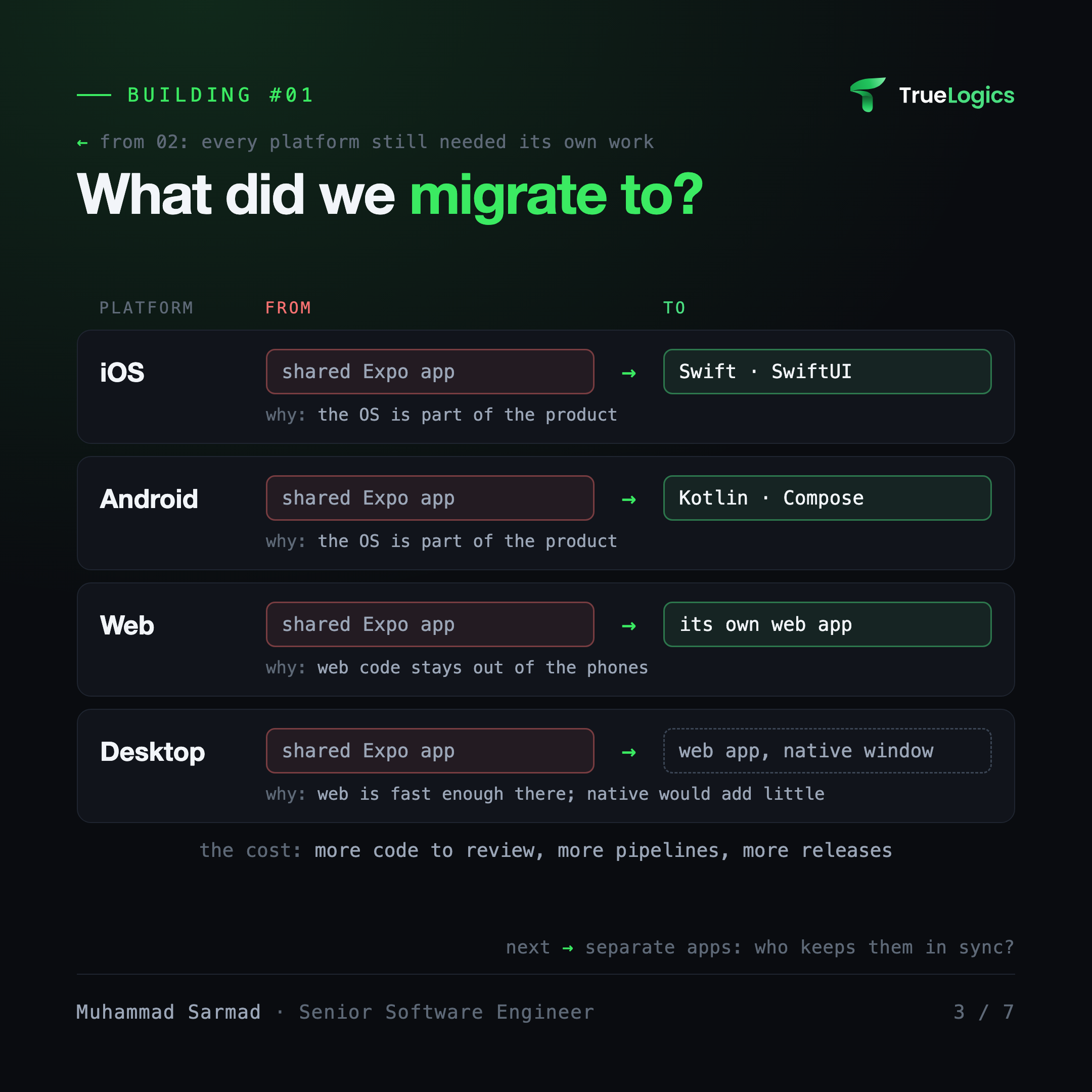
Native where the platform matters. Web where it doesn't.
- iOS: native Swift and SwiftUI.
- Android: native Kotlin and Jetpack Compose.
- Web: its own web app.
- Desktop: the web app in a native window.
Desktop stayed on web because it is fast enough there, and the OS is not part of the product. Going native on desktop would cost a lot and give users almost nothing. Native is a choice per platform, not a rule.
4. Who keeps the apps in sync now?
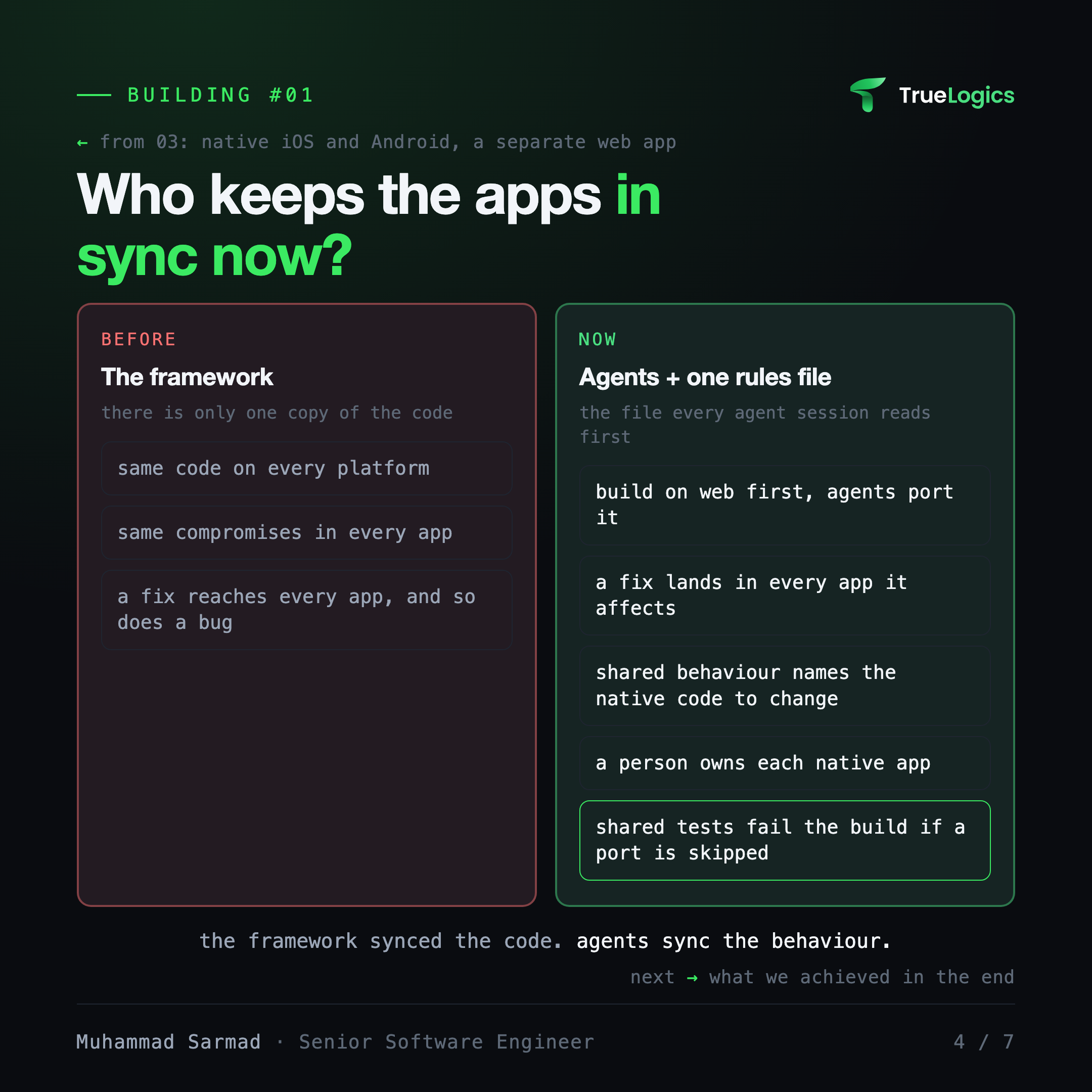
This was the scary part. With one codebase, the framework kept the apps in sync for free: there was only one copy of the code. Split it into separate apps, and someone has to make sure a feature or a fix reaches every one of them.
A few years ago, that someone would have been more people: a Swift developer, a Kotlin developer, a web developer, and every feature built three times by hand.
Now coding agents do the porting. We wrote the rules once, in the agents' instruction file, the file every agent session reads before it starts:
- A new feature is built in the web app first, then ported to the native apps.
- A fix lands in every app it affects.
- When a shared behaviour changes (how links open, how search ranks, how a page lays out its blocks), the instruction file names the native code that must change with it.
People still own the apps. Each native app has an owner who keeps it in step with main and checks what the agents port.
Rules are not enough. Tests hold the line.
An instruction file tells an agent what to do. Tests check that it was done. Every app runs against the same fixtures. A fixture is one saved test case that every app must handle the same way. For example, the link to room 42 must open room 42 on web, iOS and Android.
- Routes: every link the web app opens has a test case the native apps must parse the same way.
- Wire formats: the messages the server sends are recorded once, and the native apps' tests read the same recordings.
- Content rules: a native app may be stricter than the server about what it sends, never looser, and a test fails if it is looser.
- Strings and analytics: change a user-facing string or a tracked event without regenerating the native copy, and CI fails.
If a port is skipped, a test goes red before the apps drift.
5. What did we achieve in the end?
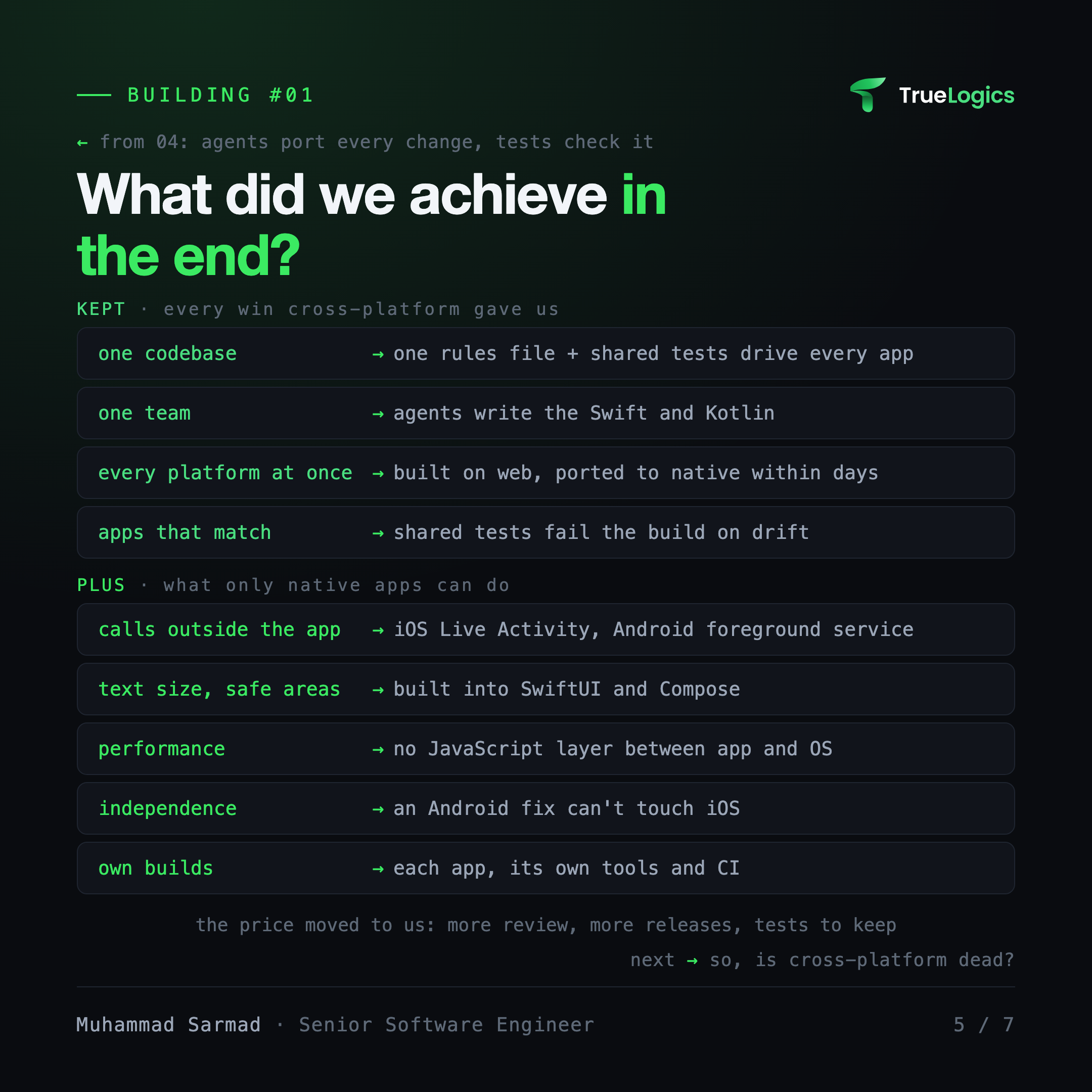
Every win cross-platform gave us, we kept:
- One codebase became one rules file and shared tests that drive every app.
- One team: agents write the Swift and the Kotlin; people review and own each app.
- Every platform at once: a feature built on web reaches the native apps within days, not quarters.
- Apps that match: shared tests fail the build when an app's behaviour drifts.
Plus what only native apps can do:
- Calls outside the app: a Live Activity on iOS and a foreground service on Android keep a call visible and running when you leave the app.
- Text size and safe areas: built into SwiftUI and Compose, not patched by hand.
- Performance: no JavaScript layer between the app and the OS.
- Independence: each app has its own code. An Android fix can't touch iOS.
- Own builds: each app builds with its own tools and its own CI.
We didn't get this for free. The price moved from our users to us:
- More code to review: three apps instead of one.
- More pipelines and more store releases. iOS UI tests need a Mac in CI.
- Some bugs now live on one platform only, so we test each app on its own.
- Fixtures only cover what someone pinned. A behaviour nobody wrote a fixture for can still drift.
6. Is cross-platform dead? As a default, yes.
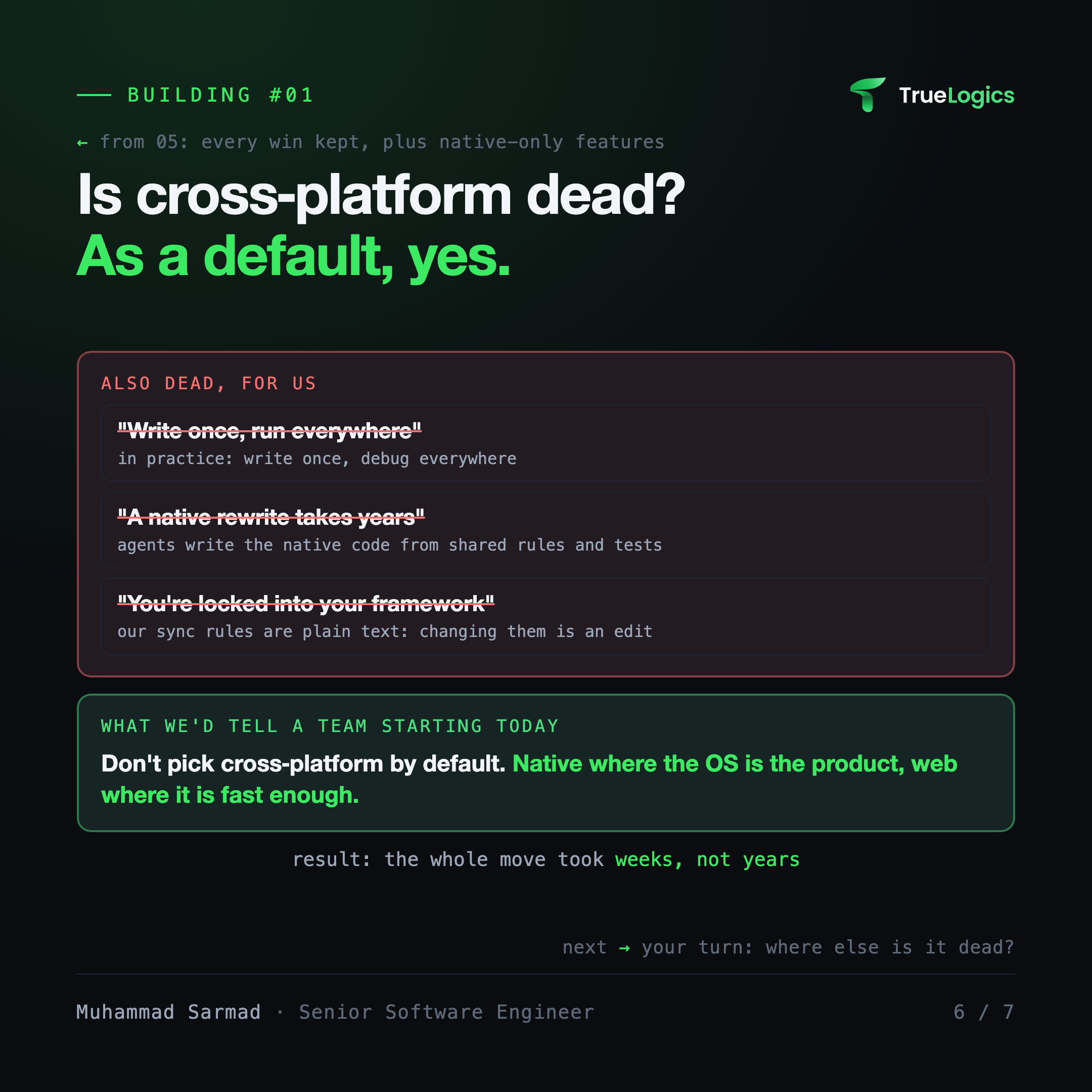
Three beliefs died with it, for us:
- "Write once, run everywhere." In practice it was write once, debug everywhere.
- "A native rewrite takes years." Agents write the native code from shared rules and tests. Our whole move took weeks, not years.
- "You're locked into your framework." The framework kept the apps in sync by forcing the same code on every platform. Our sync rules are plain text in one file, so changing how we sync is an edit, not a framework migration.
What we'd tell a team starting today: don't pick cross-platform by default. Go native where the OS is the product, and use web where it is fast enough.
If you make a move like this:
- Move one platform at a time; the old app keeps shipping meanwhile.
- Put sync rules in the agents' instruction file, not in people's heads.
- Back every rule with a shared fixture, so a skipped port fails the build.
- Give each native app an owner who checks what agents port.
- Freeze new features on the old shared app, or the move never ends.
- Keep web where it is fast enough, as we did with desktop.
7. Where else is cross-platform dead now?
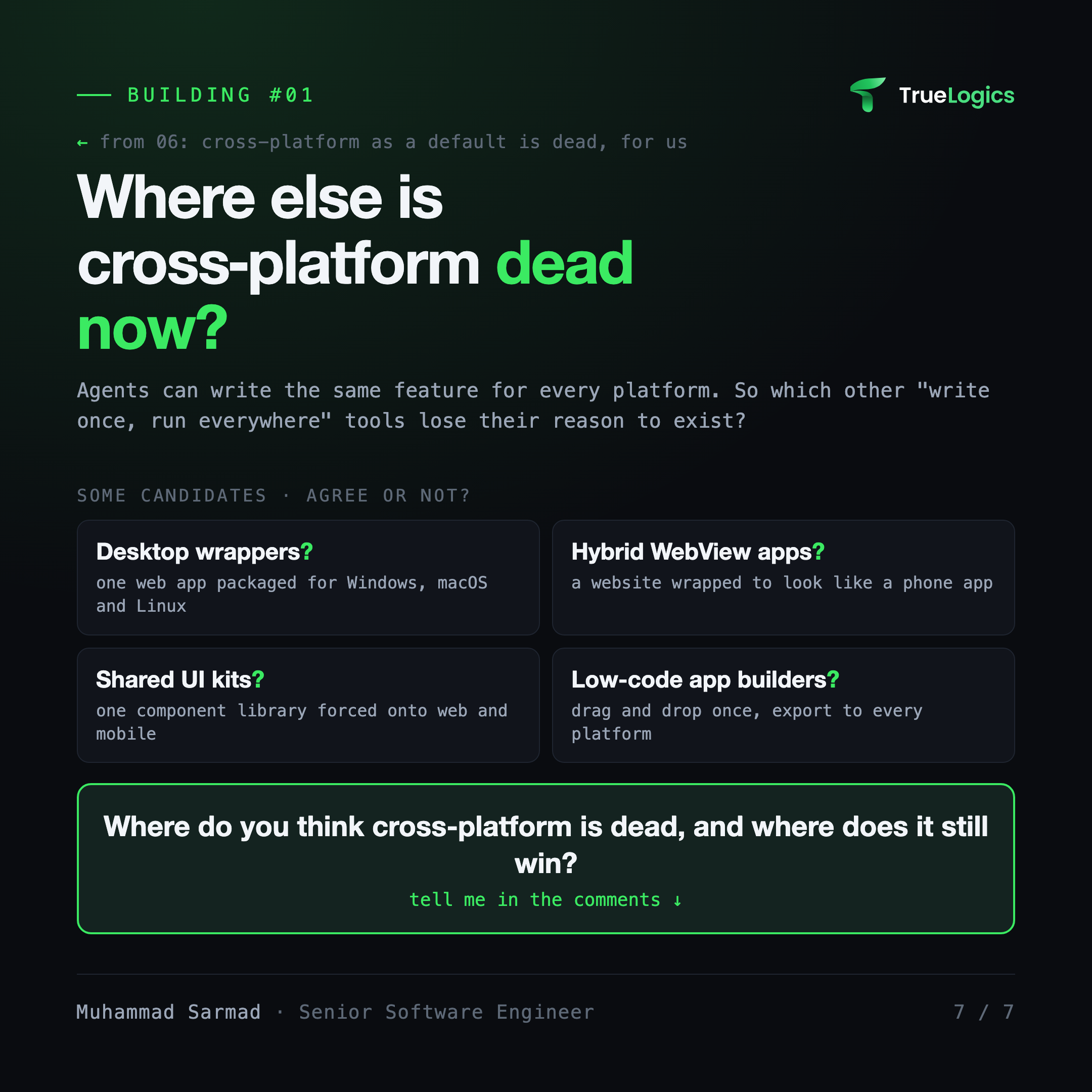
Agents can write the same feature for every platform. So which other "write once, run everywhere" tools lose their reason to exist? Some candidates:
- Desktop wrappers: one web app packaged for Windows, macOS and Linux.
- Hybrid WebView apps: a website wrapped to look like a phone app.
- Shared UI kits: one component library forced onto web and mobile.
- Low-code app builders: drag and drop once, export to every platform.
Where do you think cross-platform is dead, and where does it still win?
The lesson
One codebase was a fix for the cost of writing everything twice and keeping the copies in sync. Agents now do the writing, and shared fixtures check the sync. So we kept what cross-platform gave us, won back what it took, and picked the best tool for each platform again.
Next in the series
The general case behind this story: why agents changed the case for cross-platform frameworks.
Building something with AI?
I design and ship production agents, RAG and MCP systems.